How to fix "You cannot browse this page at menu.apetitomenu.com because it is restricted" error message on iPad®?
1. Open "Settings" app on iPad®.
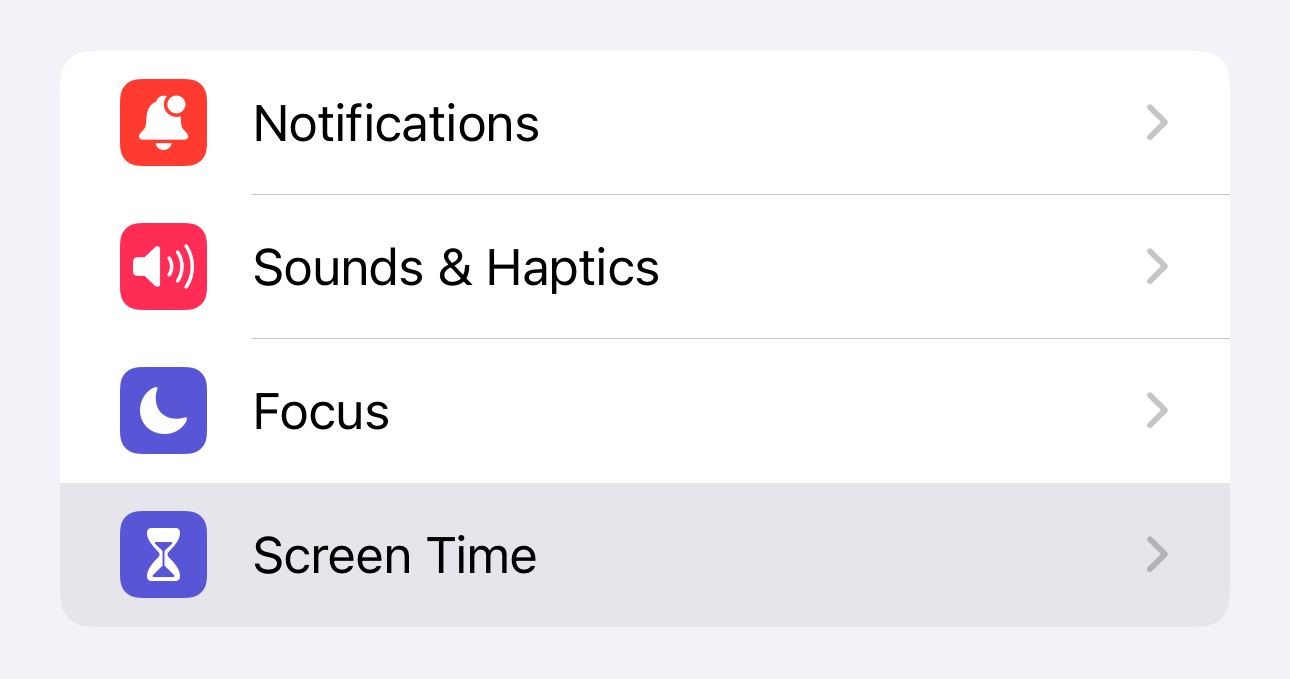
2. Tap "Screen Time".
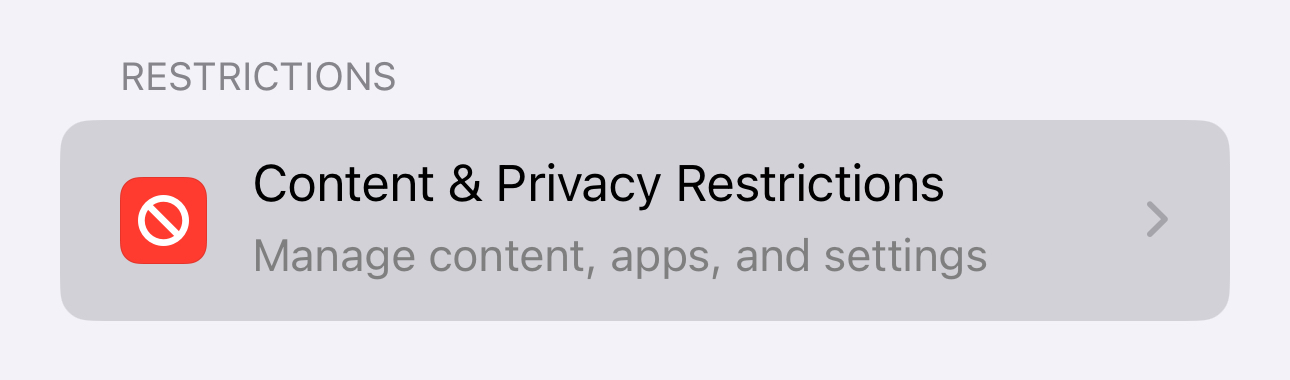
3. Tap "Content and Privacy Restrictions".
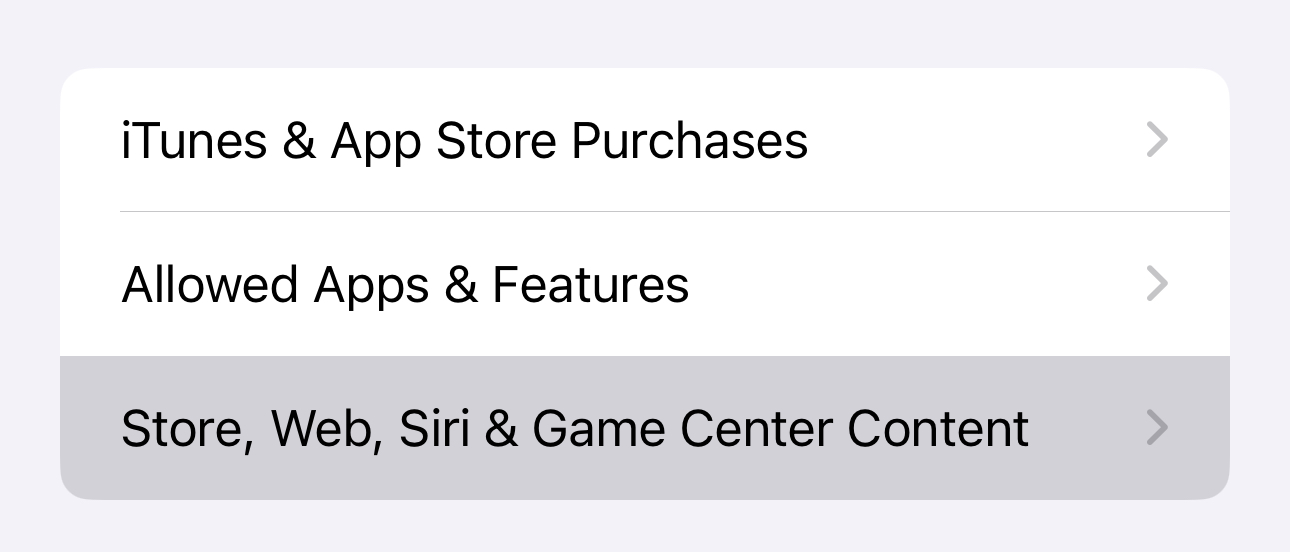
4. Tap "Store, Web, Siri & Game Center Content".
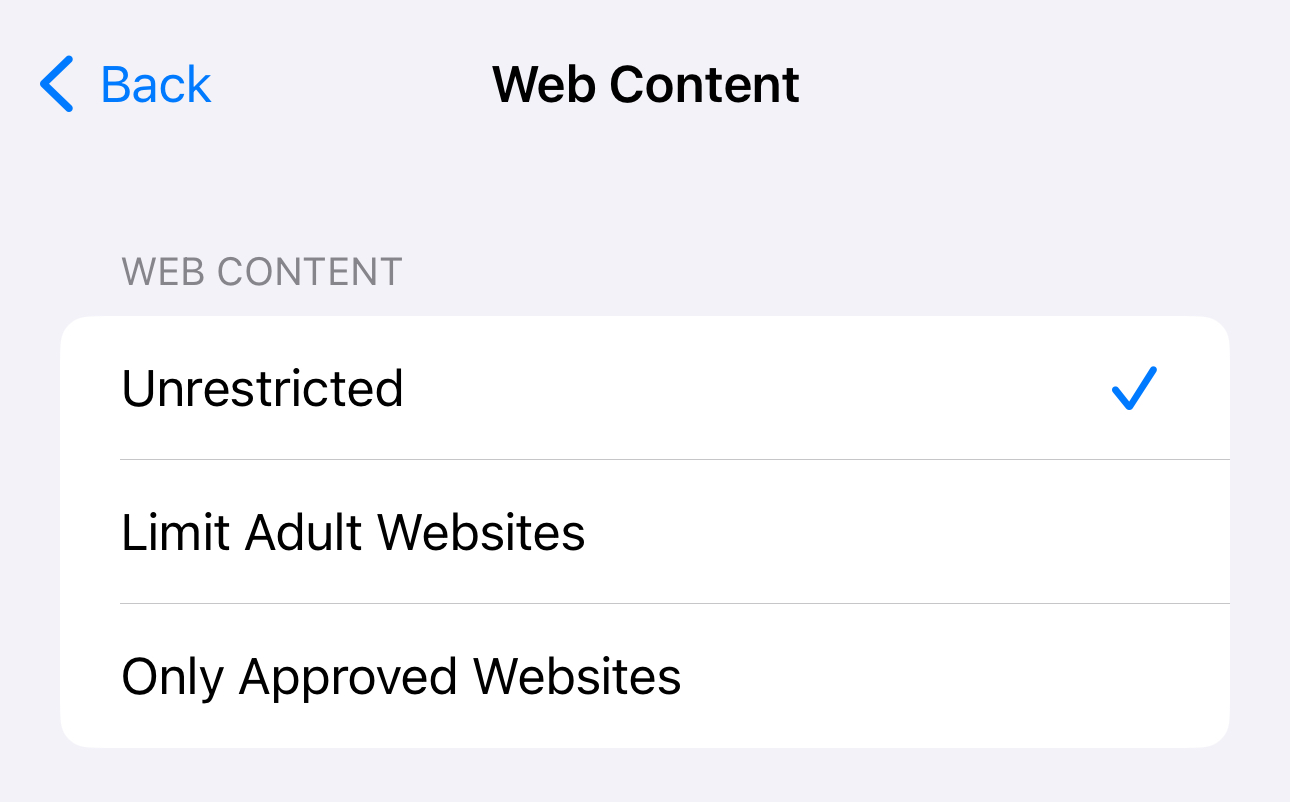
5. Tap "Web Content".
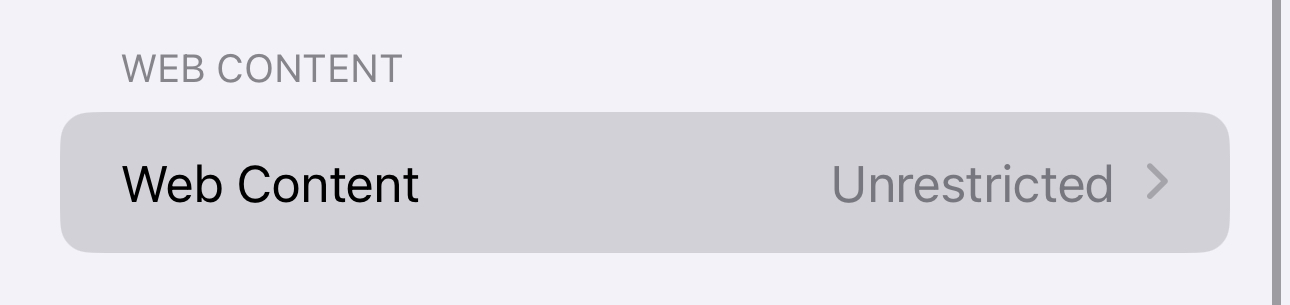
6. Choose "Unrestricted" option.